


01
One press. Every screen changes together.
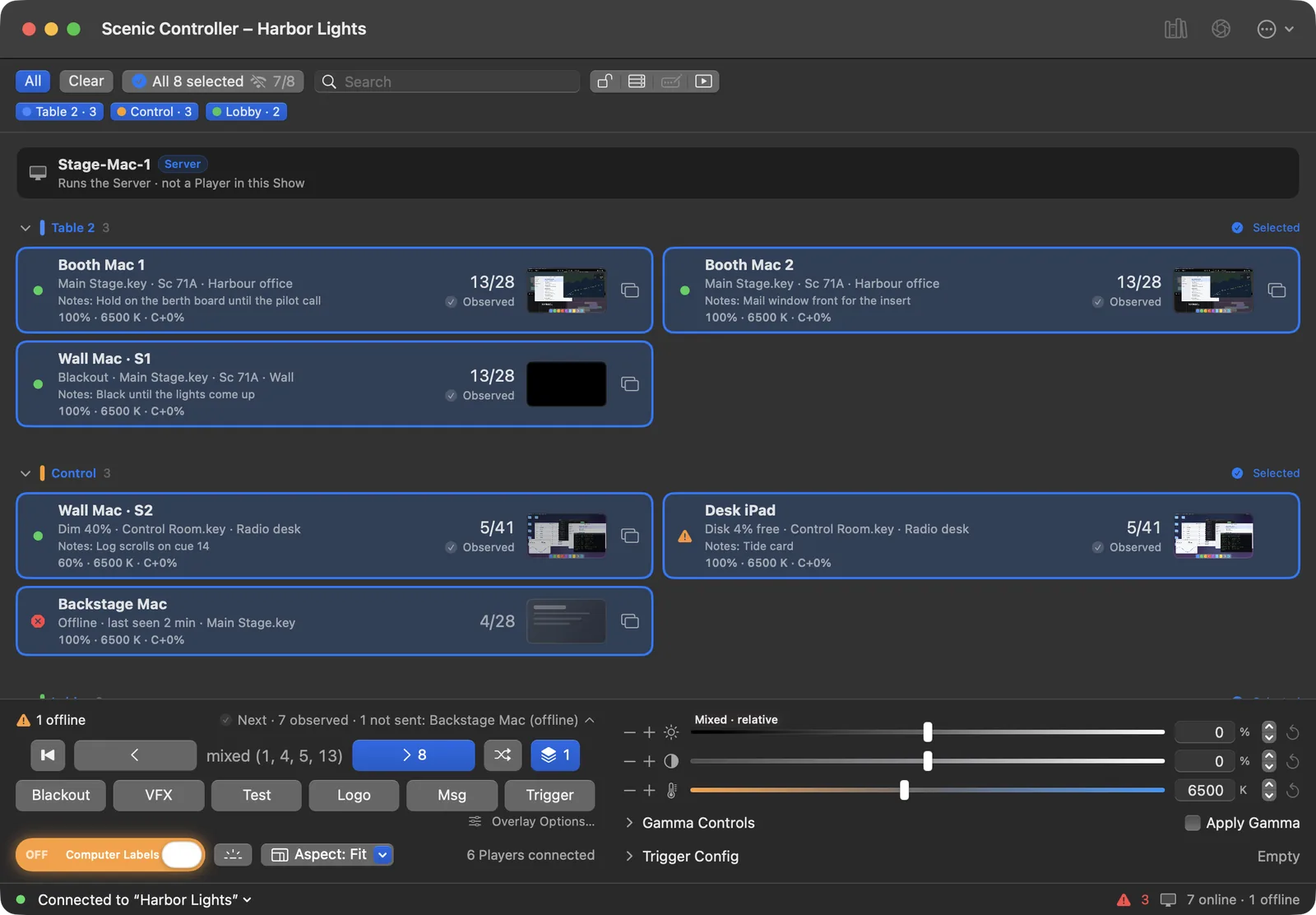
Black out, go to the next slide, or start video on up to a hundred screens on the same beat, not in a ripple down the row.

Screens that work on camera. Props the actors touch, and scenery the room shows.
Built for real production days.
On-camera phone props · iPhone and iPad
Video preview unavailable. Try the interactive Remote demo.
Captured in PropPlayer. Edited for time. Playback at 1.5×.
PropPlayer turns an iPhone or iPad into the character's phone. Build and play the scene on the device, then cue it from another PropPlayer phone in Remote Mode or the free PropController Mac app. Connect on the same Wi-Fi, monitor the prop, and reset for the next take. A connected Bluetooth keyboard can also cue the scene.
StageGlass PropPlayer for iPhone and iPad · PropController for Mac is free
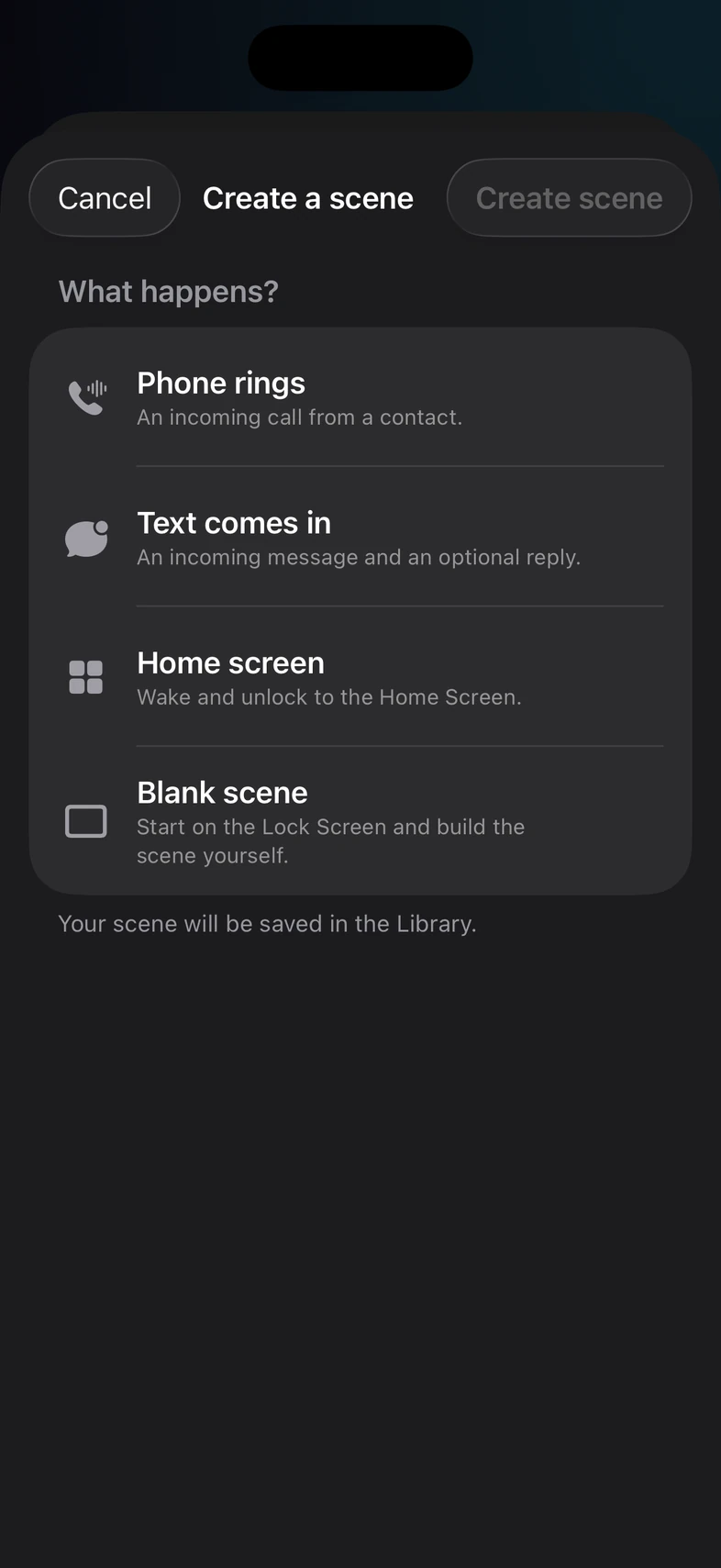
Tap Create a scene, then choose a call or message template, or start blank.
Open PropPlayer on each phone on the same Wi-Fi. The prop phones appear in another phone's built-in Remote Mode and in PropController on a Mac, with no pairing, code, or approval on the local network. Select a phone and press GO to fire the next beat. In PropController, choose Start Live Monitor for a picture.
One control puts the phone back at the top of the scene. Nothing to re-type, nothing to re-arm.
Built for real production days.
What the phone can do
Real captures from PropPlayer. Each one is a beat you cue, not a video you play back.
1 / 9
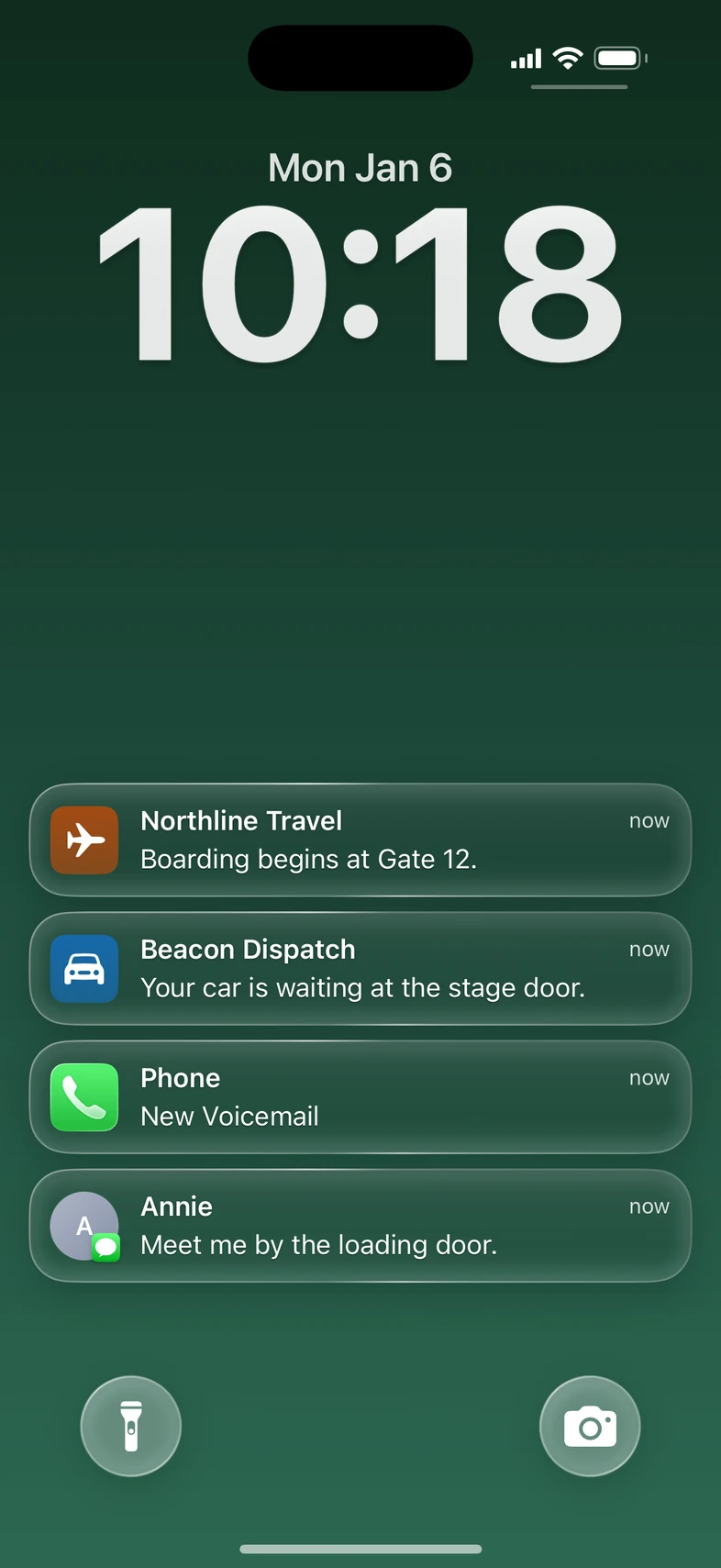
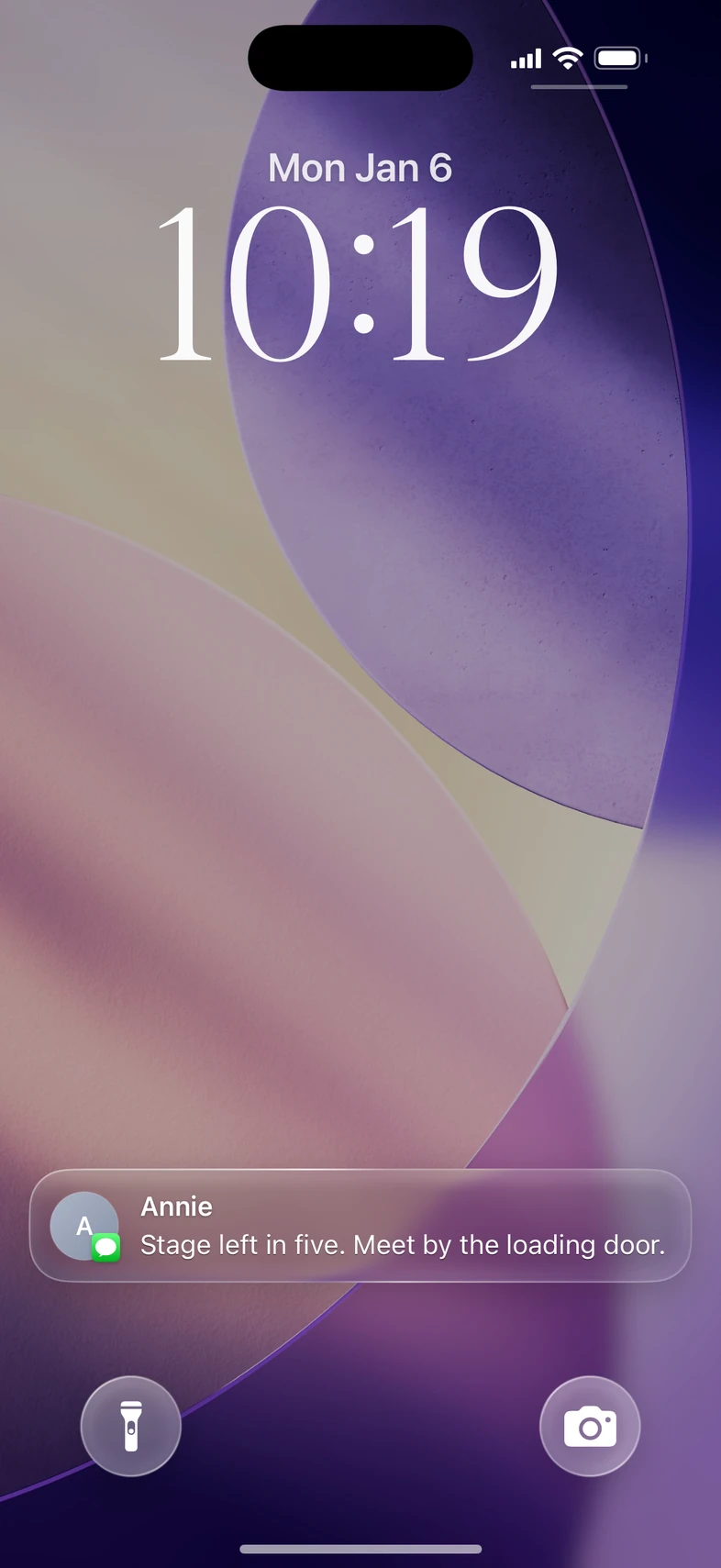
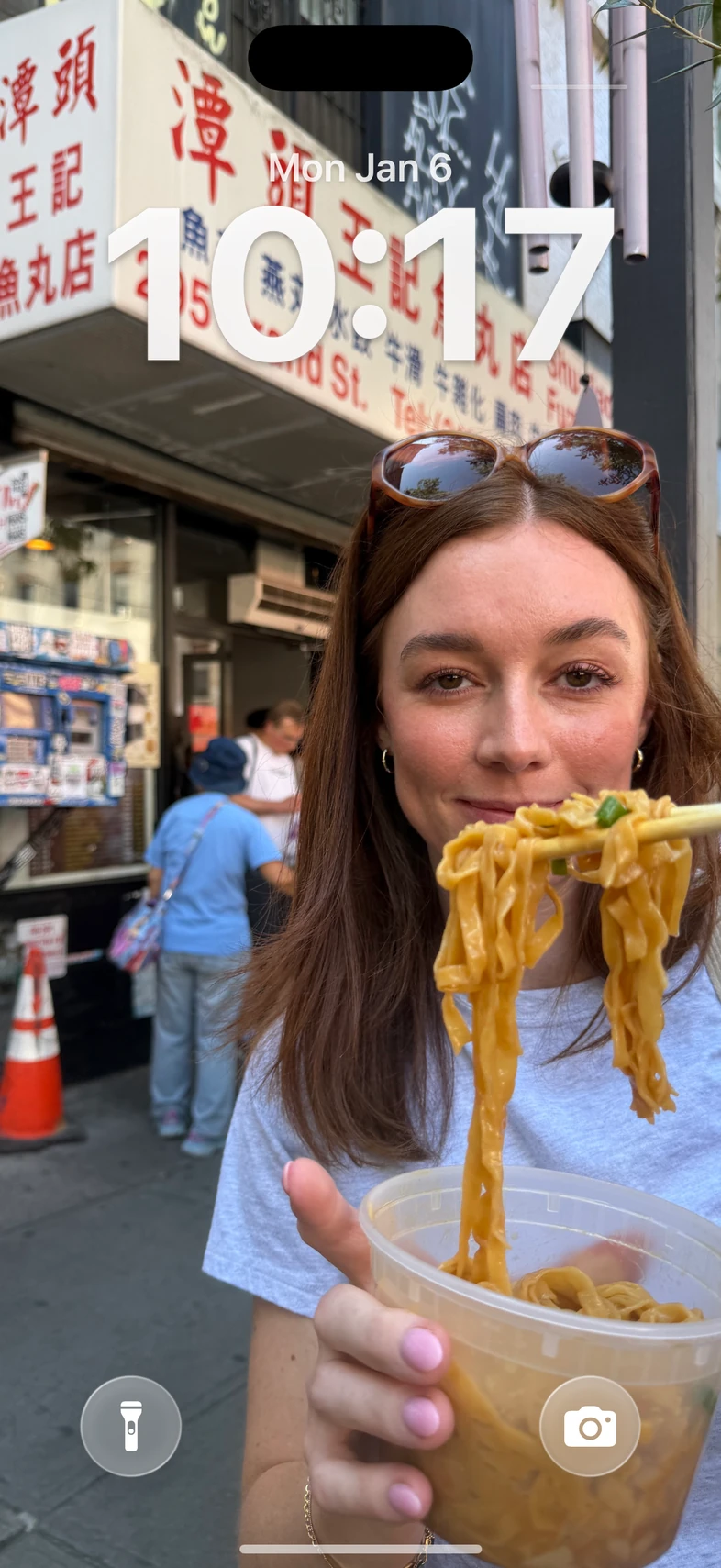
Pick the clock face and colour, then stack Messages, call alerts, and your own custom apps on the character's Lock Screen.
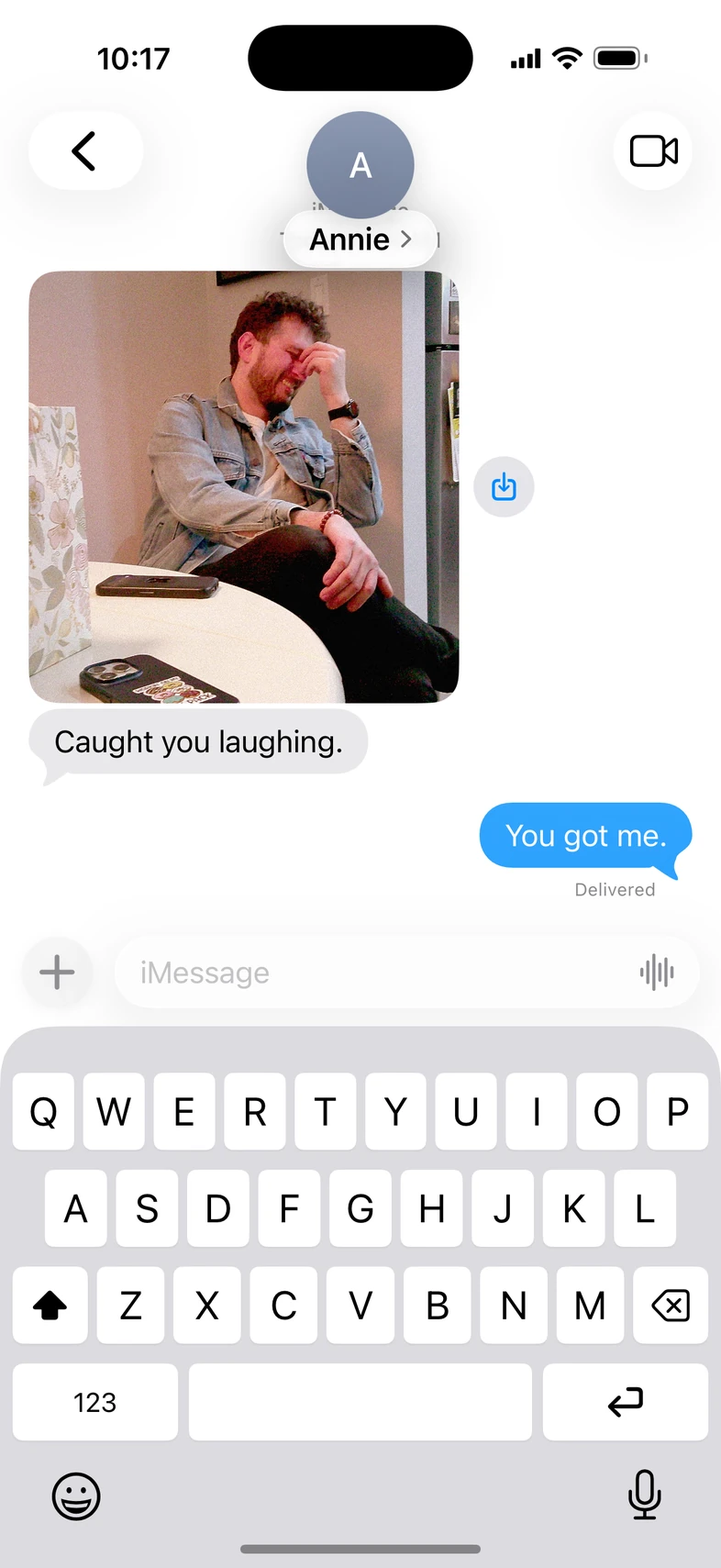
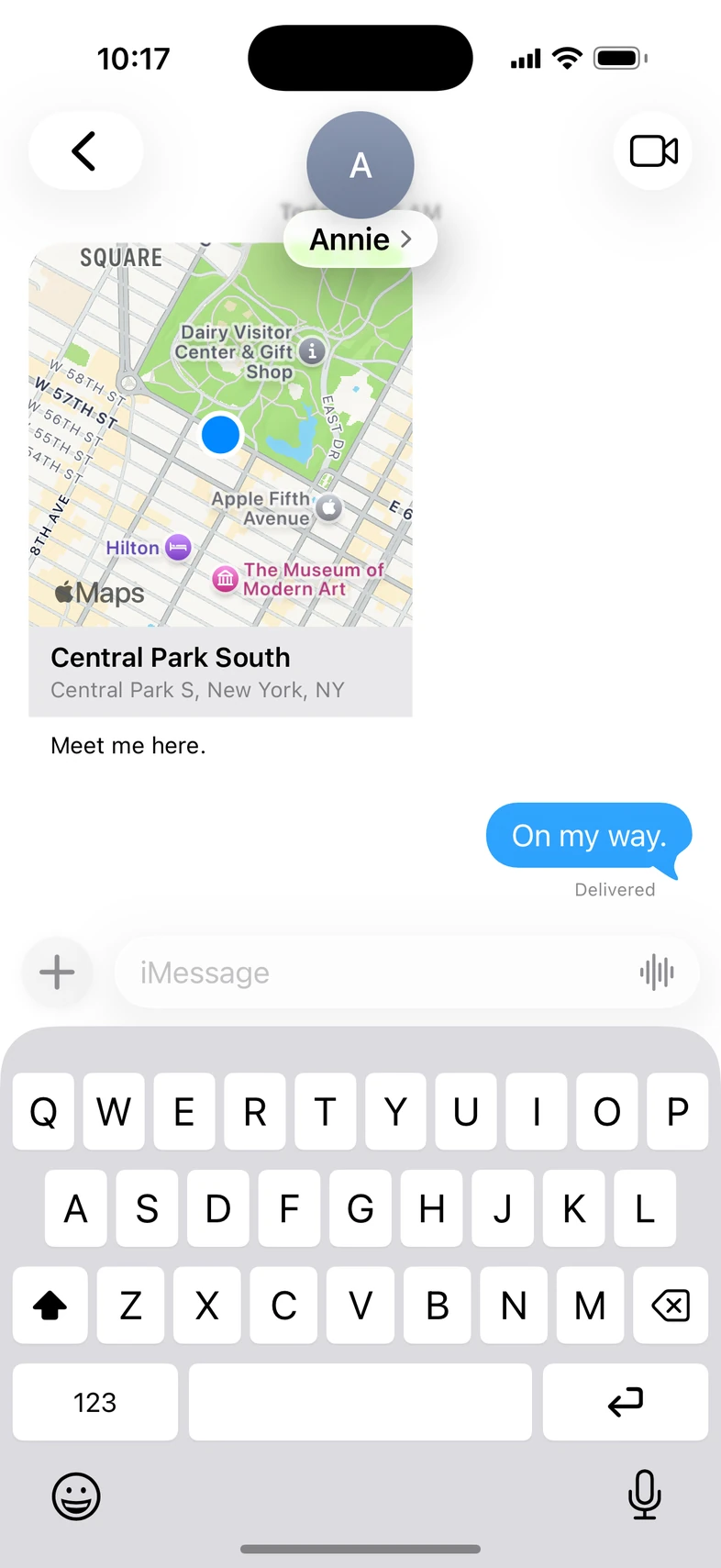


Script the conversation with photos, location cards, typing bubbles, and reactions. Replies arrive on cue or when the actor answers. Light or dark, the character's choice.
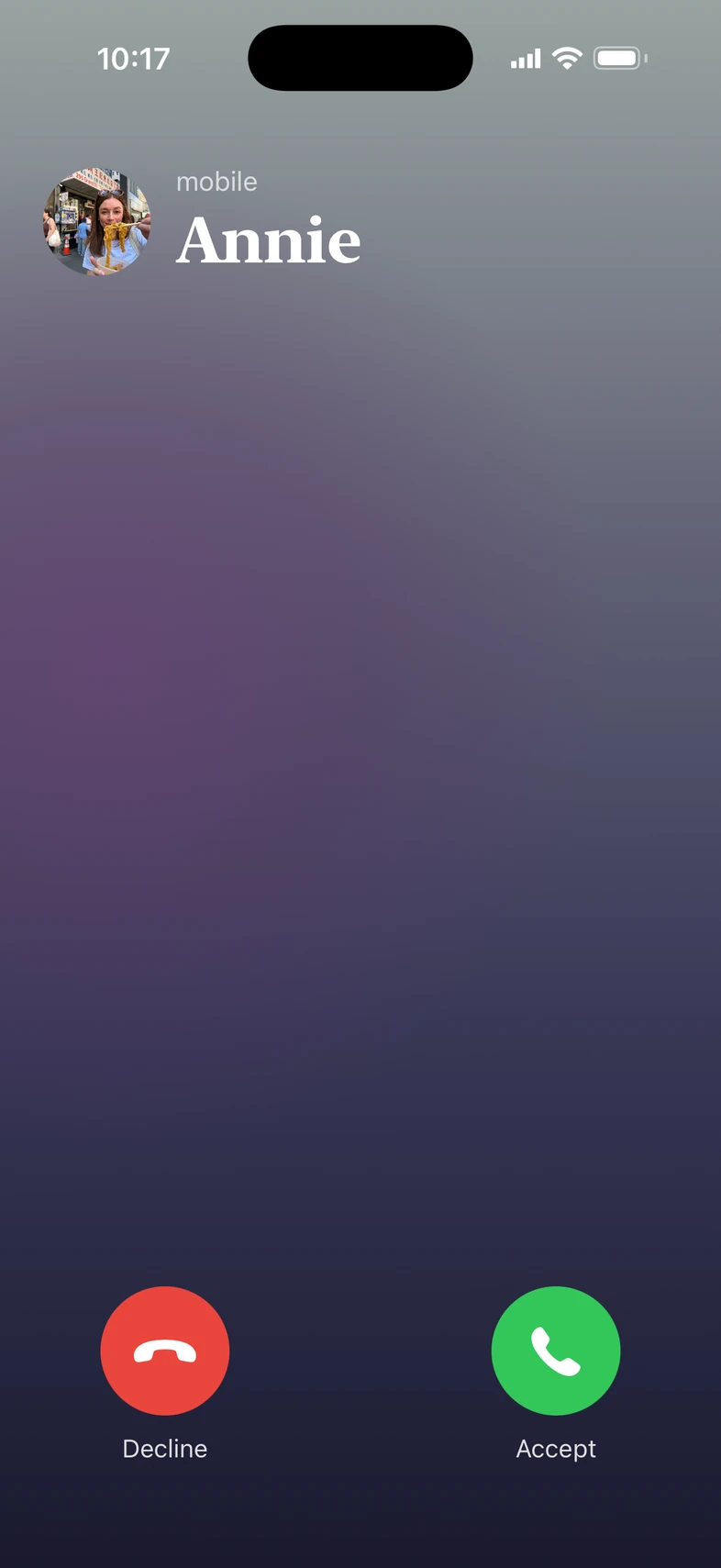
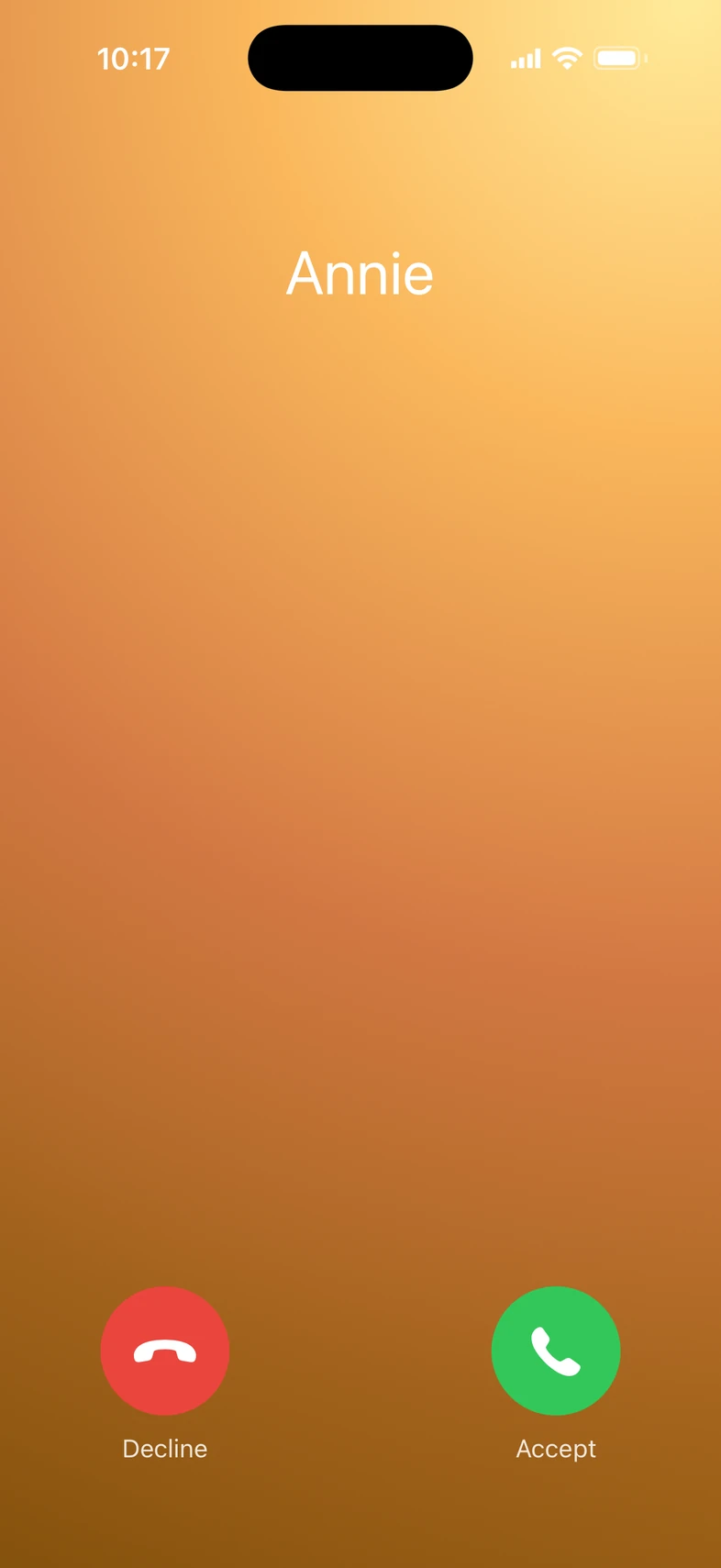
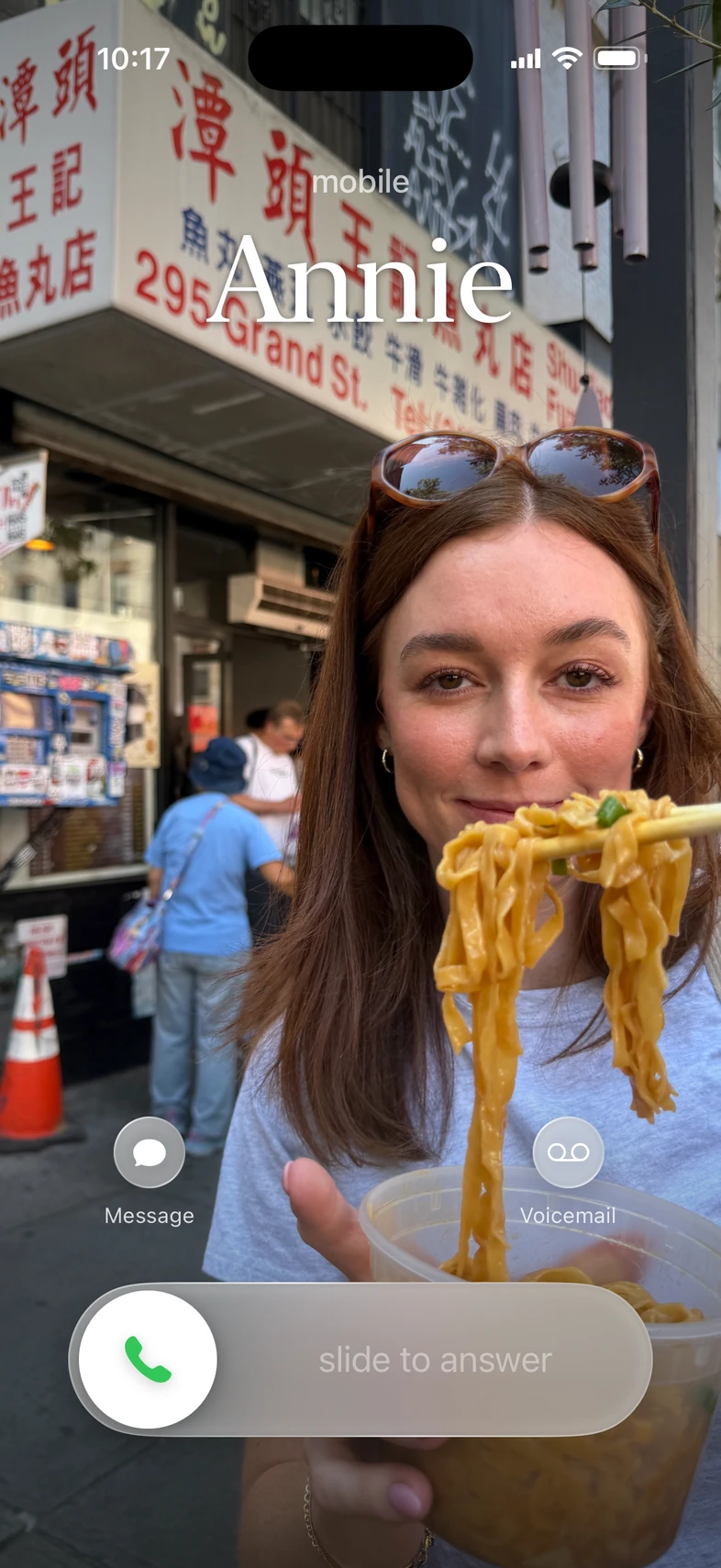
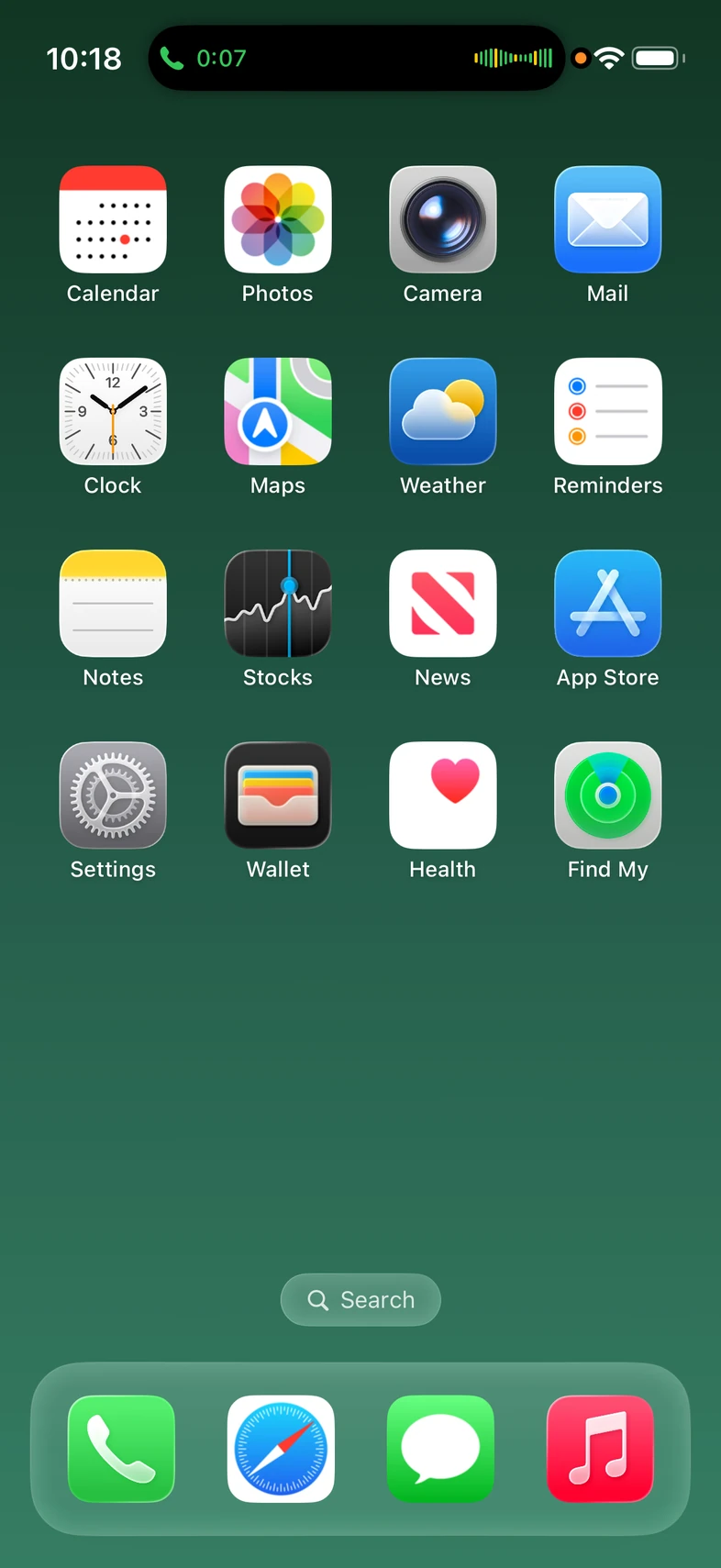
Choose a contact avatar, a full-screen photo poster, or a colour gradient. Calls can keep running in the Dynamic Island with a live timer.
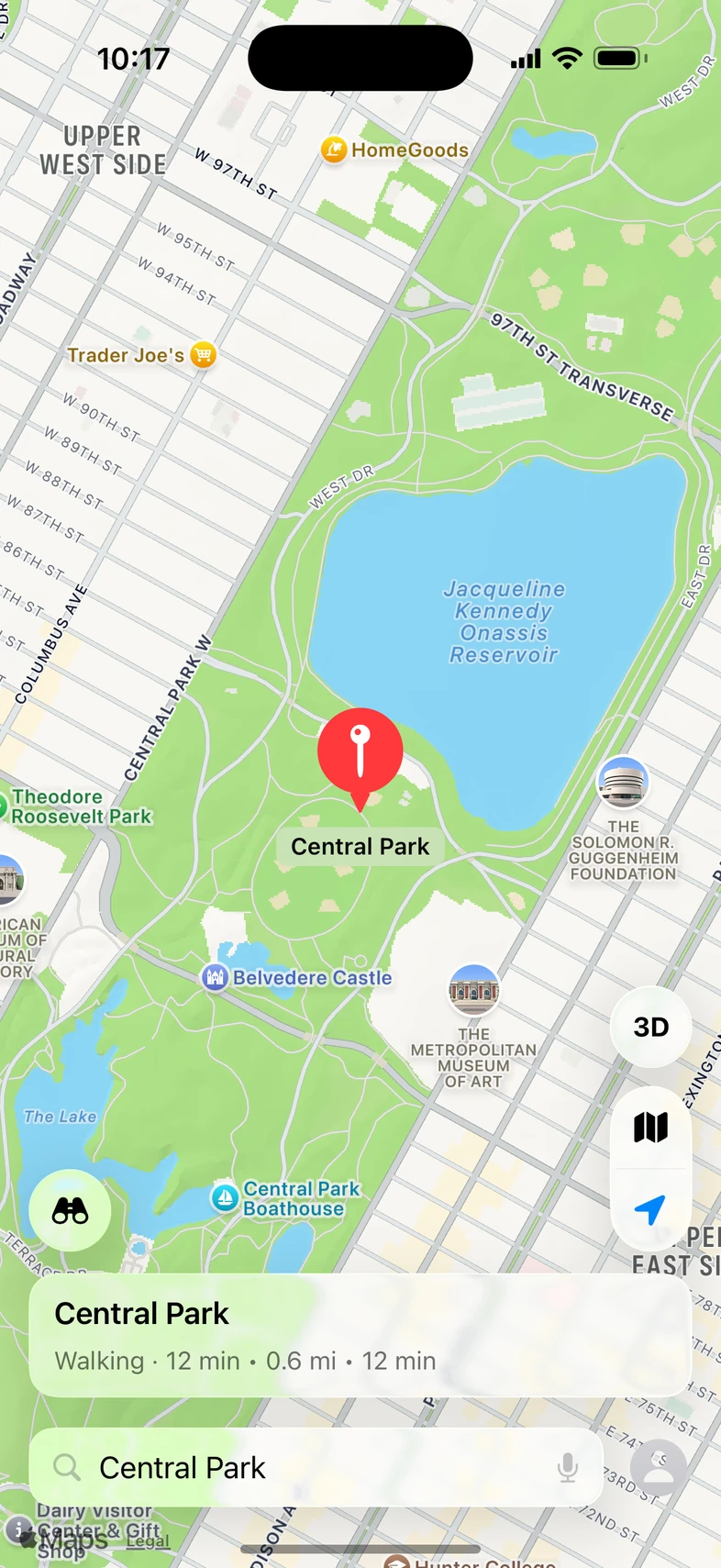
Set the place, map view, and journey details the character needs.
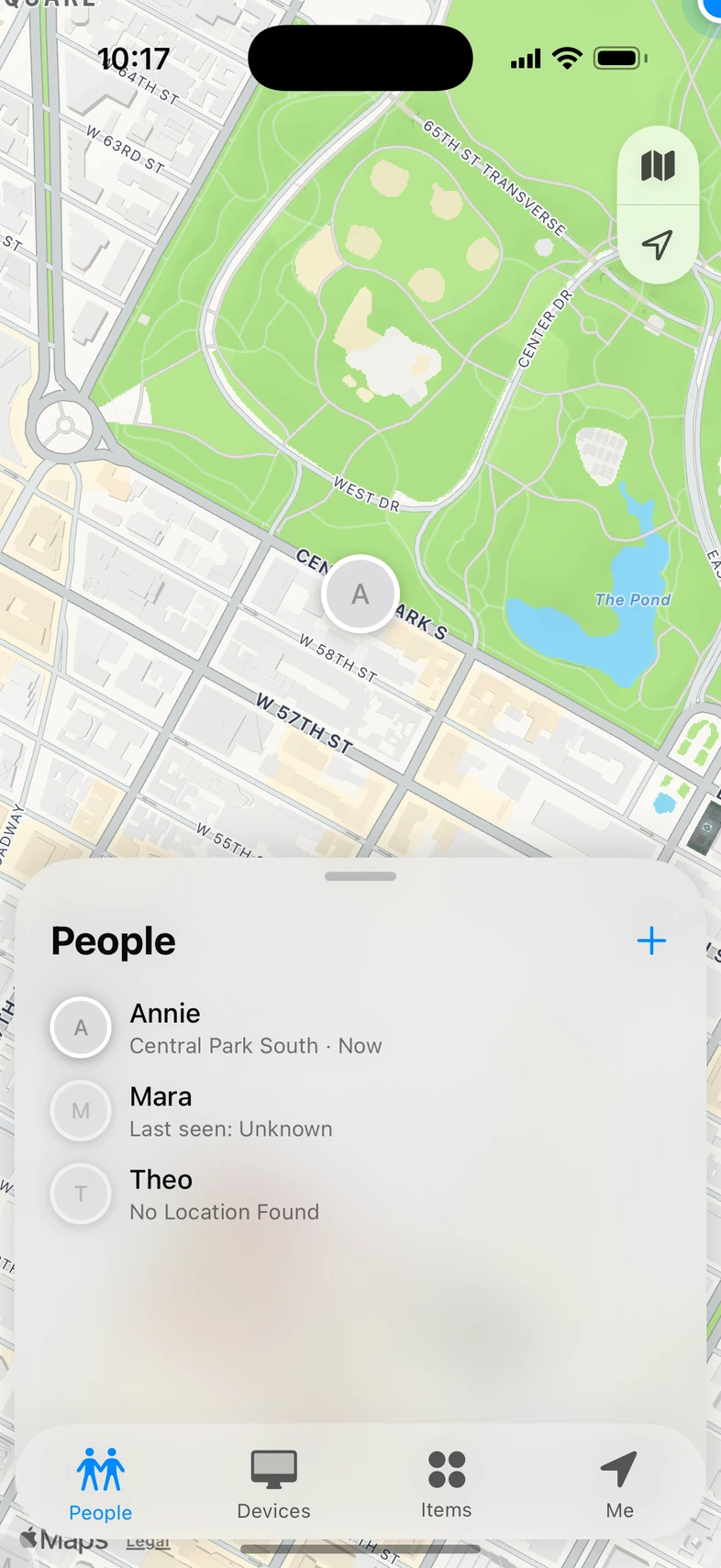
Stage fictional people and locations, then choose who appears on the map.
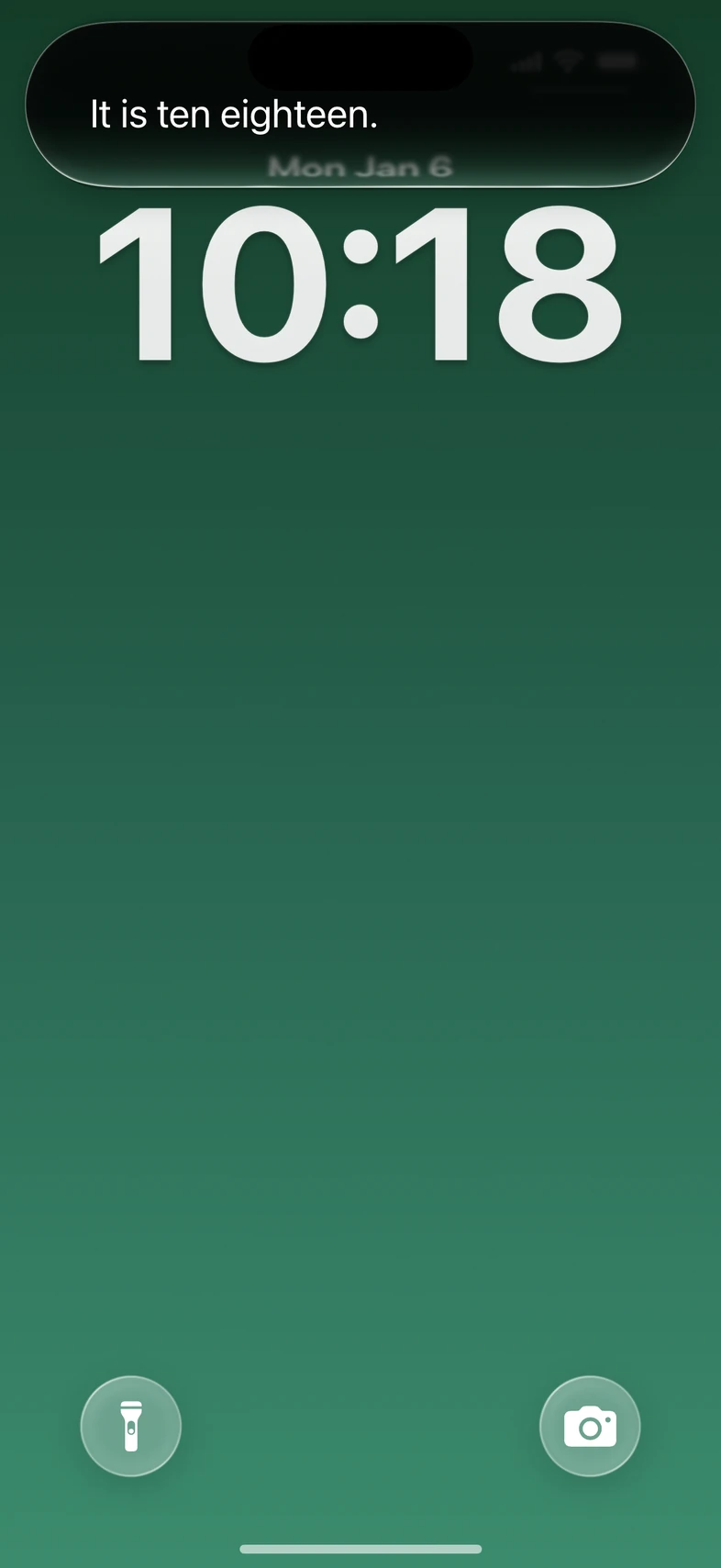
Write the response Siri shows, then cue it for the scene.


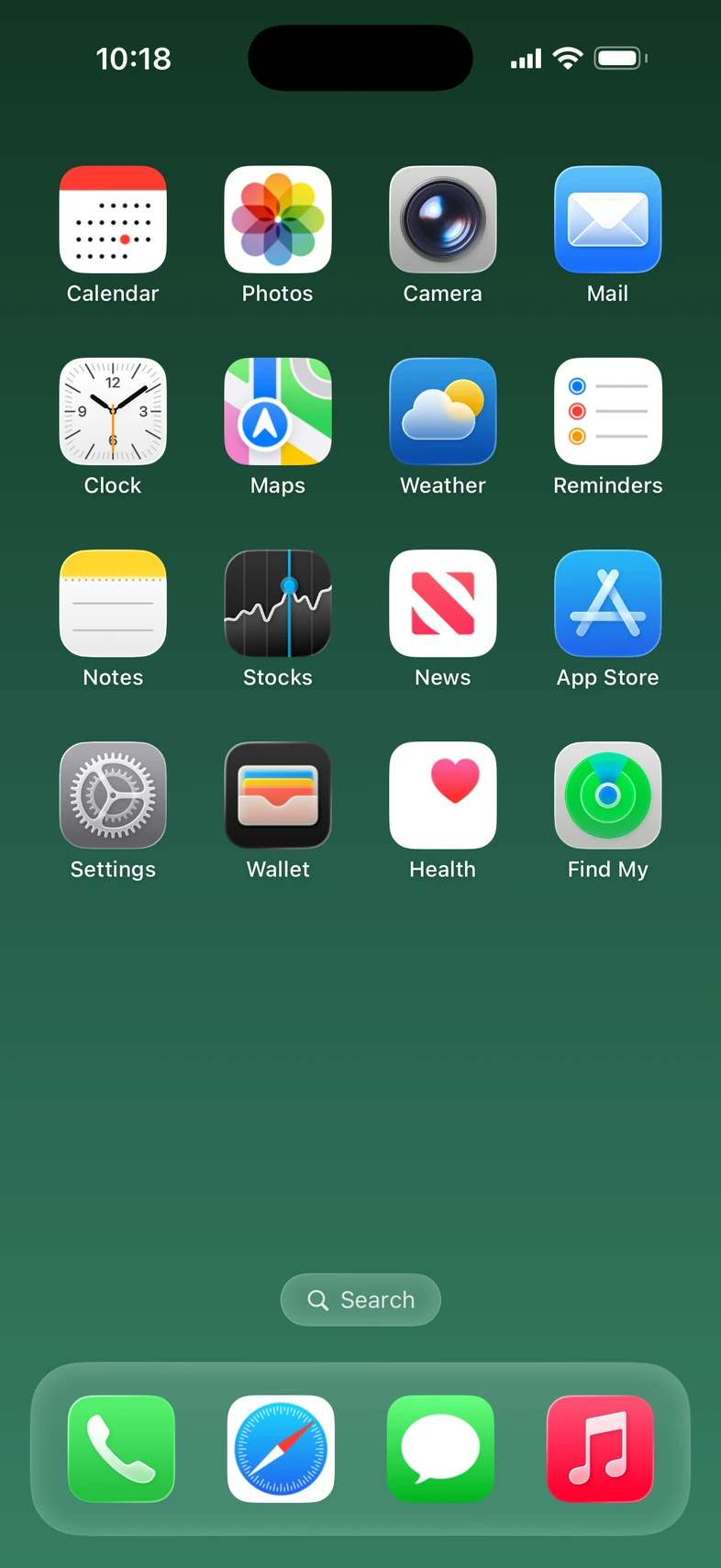
The alarm goes off at the scripted minute. The Home Screen carries the character's apps and wallpaper.
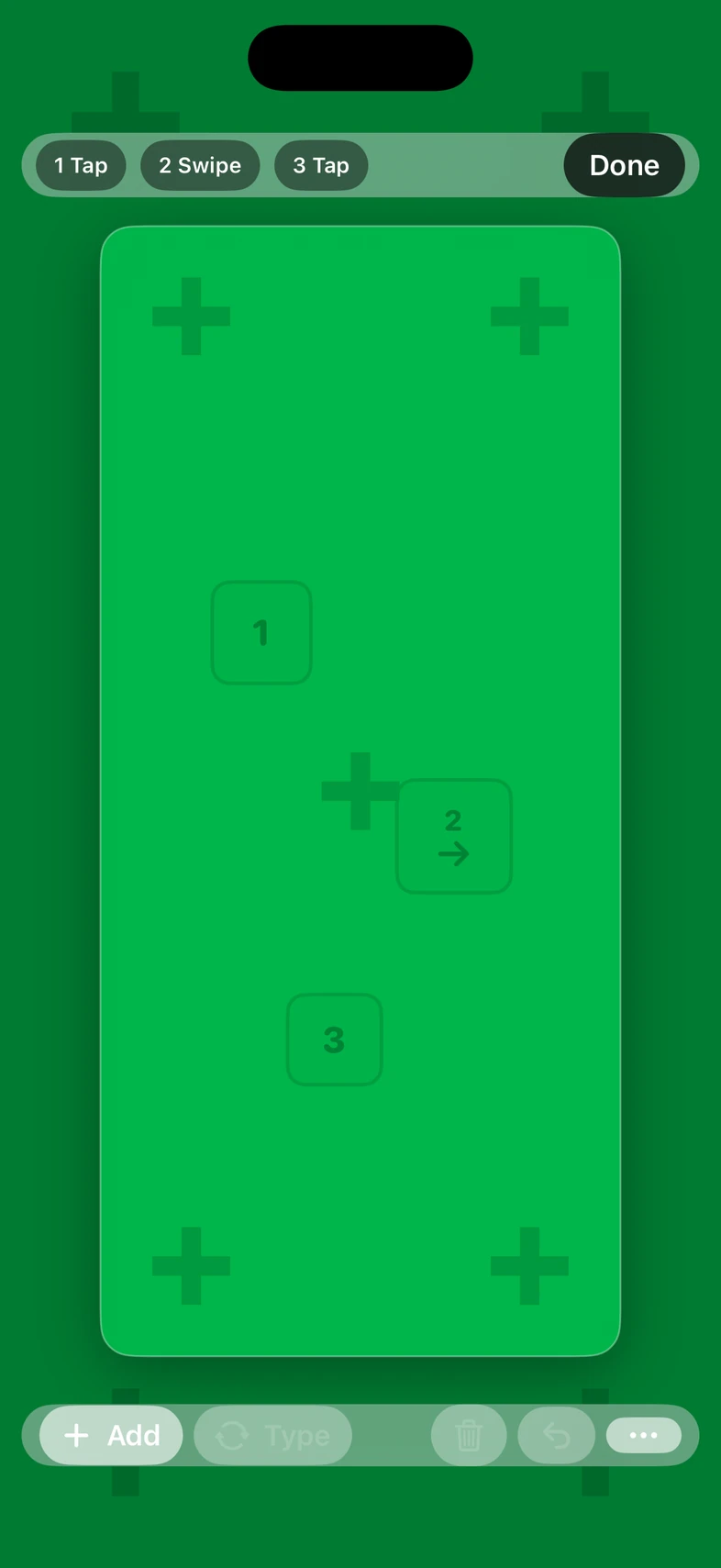
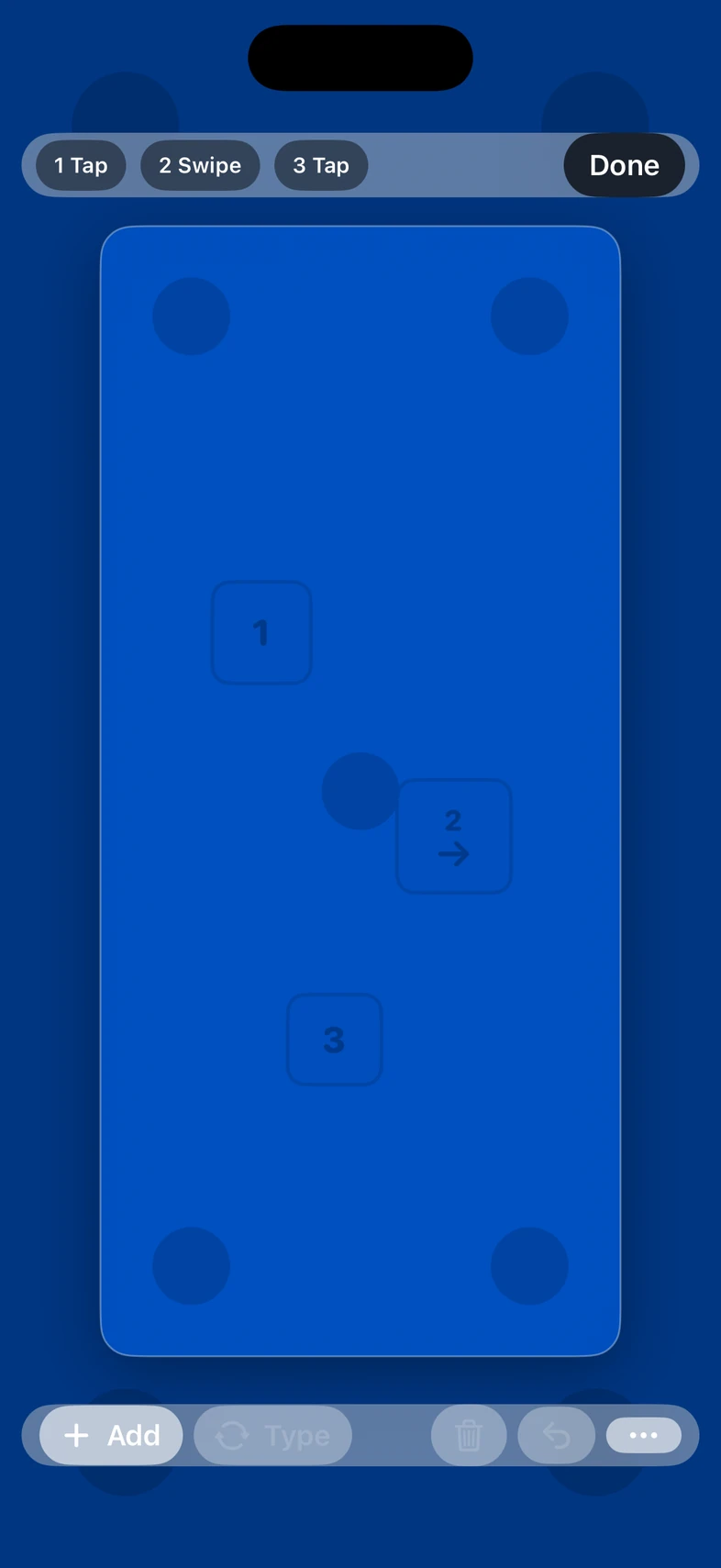
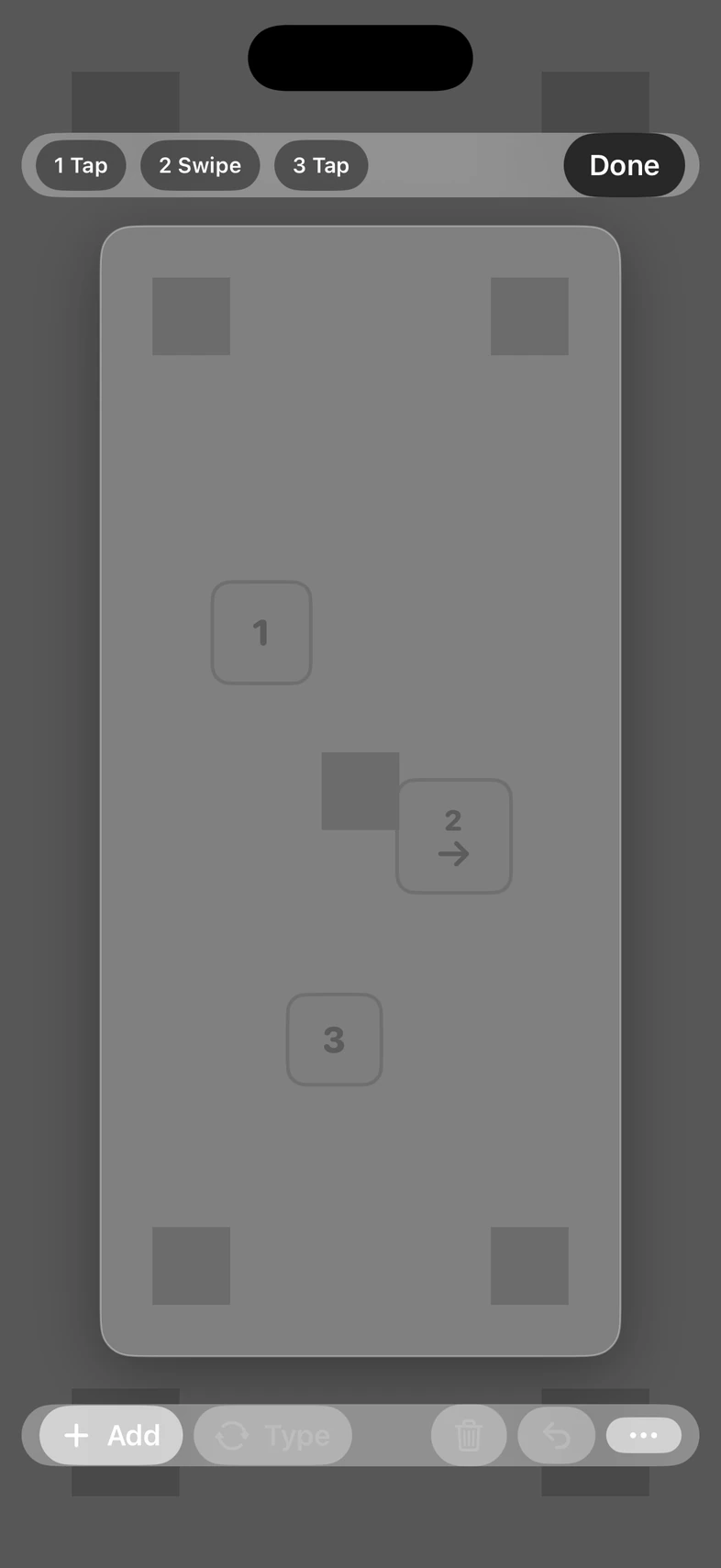
Free green, blue, or gray plates with tracking markers and actor tap and swipe marks. No watermark. Switch back to the scene for the next setup.
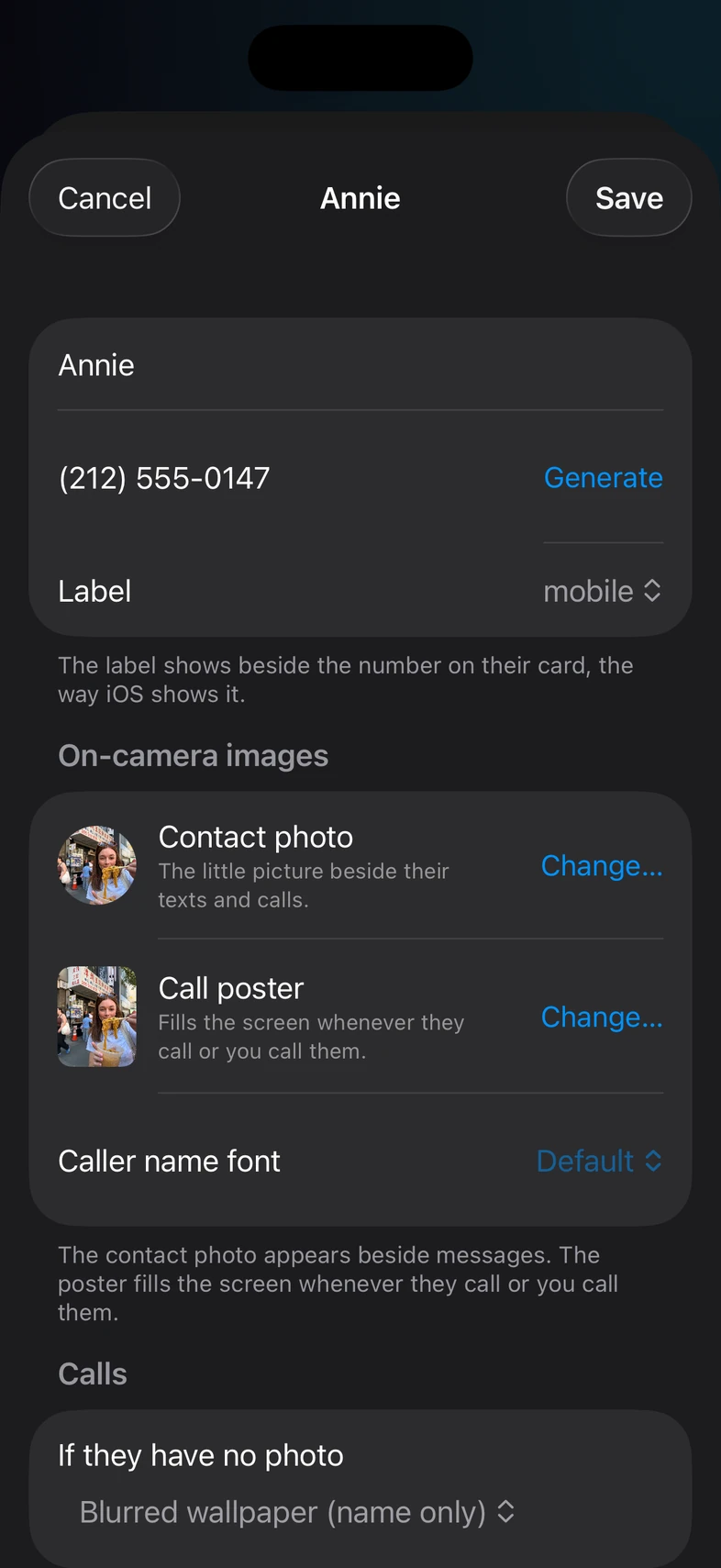
Characters, conversations, and phone history carry across scenes and episodes instead of starting over. Build the character once; every scene in the show uses it.
Pricing
Free
Author, play, record, and export. Live playback, takes, and rendered exports carry the STAGEGLASS · FREE PLAYBACK watermark.
Weekly or Monthly
An auto-renewing subscription removes the watermark. See the current price in the app; manage the plan in Apple ID settings.
Free
Clean VFX plate frames and the PropController Mac app never need a subscription.
Answers

Preview the PropController workflow: author the character's scene and phone directly in PropPlayer, then connect on the same Wi-Fi, cue the next moment, and reset the scene from Mac. PropPlayer's built-in Remote Mode can also cue other phones. Start Live Monitor in PropController when the operator needs a picture of the phone's screen. Dim, White Balance, Contrast, and Saturation stay in the operator's hands without changing the device's hardware brightness.
Press GO to play the next captured transition. This is one real sample scene, not a live connection.
Recorded iPhone playback · original transition timing.
This recorded sample runs in one Room. On the same Wi-Fi, PropPlayer phones appear in PropController and in another phone's Remote Mode without pairing, a code, or approval. Joining over the Internet uses Relay with a 12-character code and approval in PropController. Live monitor video stays on the local network.
The same scene can move through the rest of the character's phone without loading a different prop.

This prerecorded sample uses real phone playback, not a live connection. The same captured transition and color adjustments appear here.
Targeting Sample iPhone.
A connected Bluetooth keyboard can send transport shortcuts. Actors reply on the phone, and the phone plays the scene's authored sounds.
Grades the picture sent to the player. It does not change hardware display brightness.
Coming to Mac
PropMaster is the upcoming Mac app for building screen props across a show: characters, conversations, and media that carry from scene to scene. It is in development and is not publicly available.
macOSShow packagesHands off to PropPlayer
Internal · Mac
Studio is an internal StageGlass tool for creating screen content and production workflows. It is not a public product.
Desktop themesPhone themesFake full apps
Scenic · coming

Every screen in the shot. One console.
StageGlass Scenic runs the screens on set from a Mac, iPhone, or iPad at the playback cart, over the show network, with no internet needed.
01
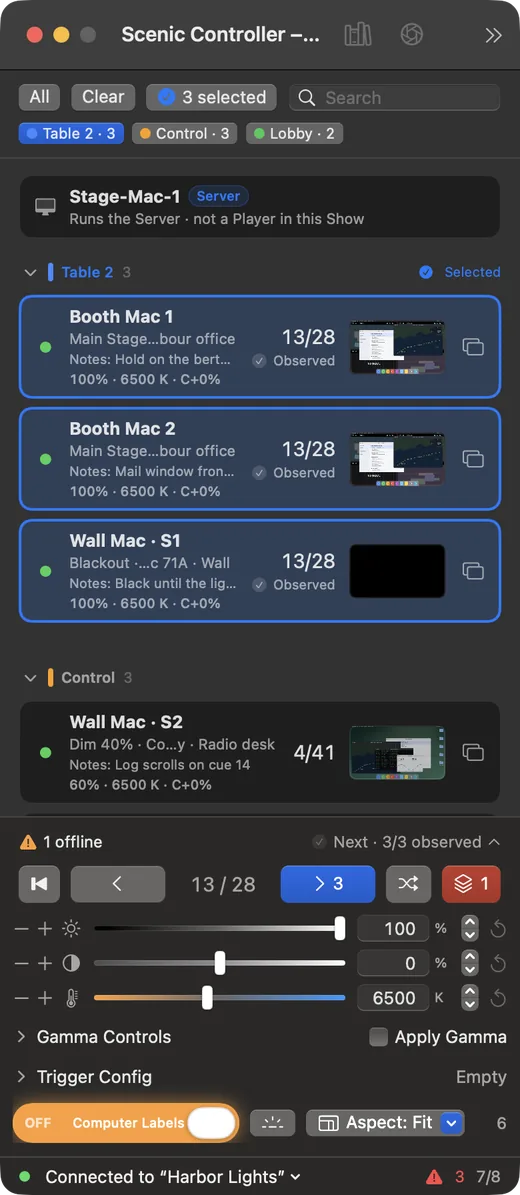
Black out, go to the next slide, or start video on up to a hundred screens on the same beat, not in a ripple down the row.
02
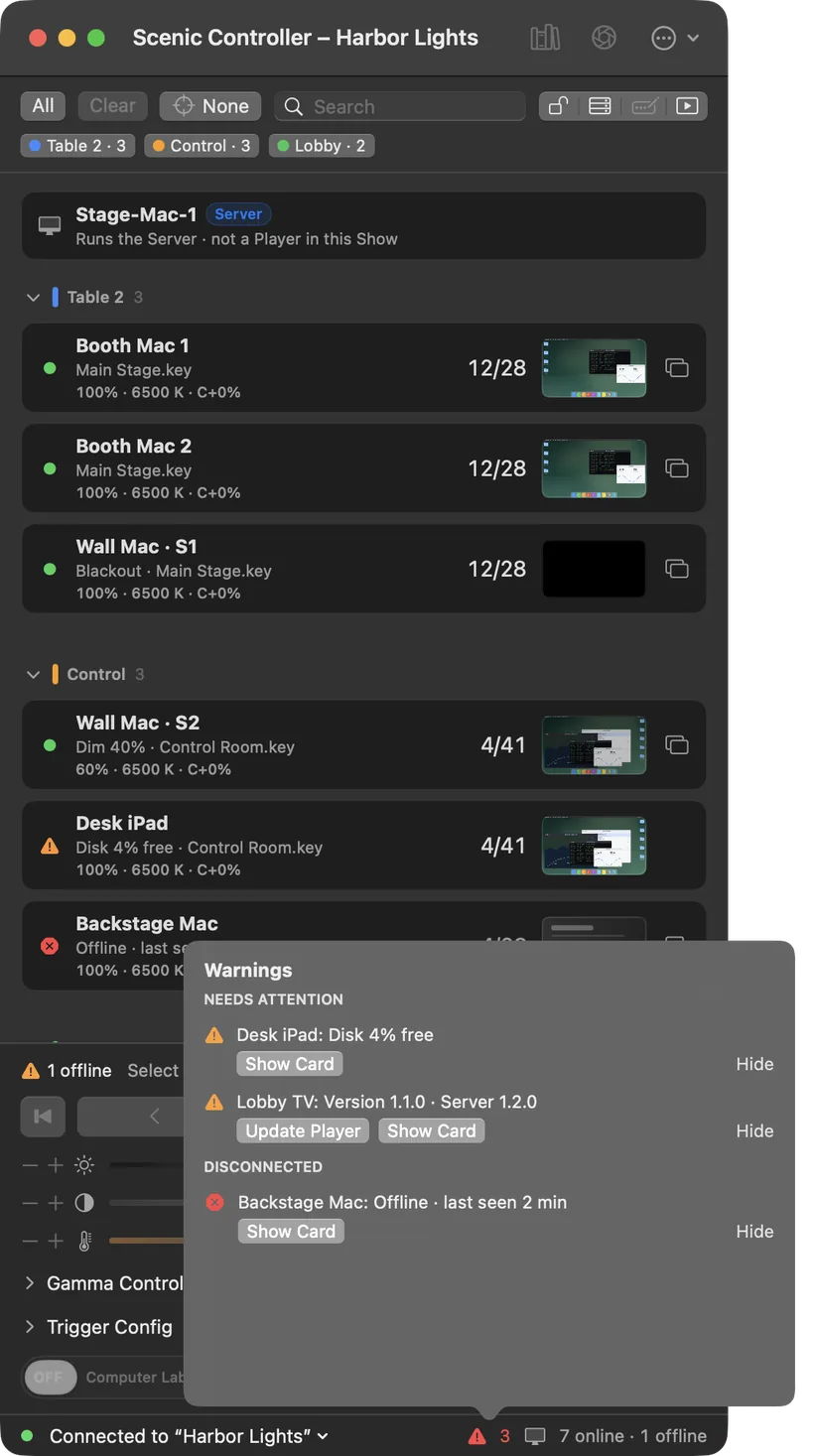
Sent is not the same as shown. Each Player reports the slide it is putting on screen, and the one that needs you is named, with the fix.
03
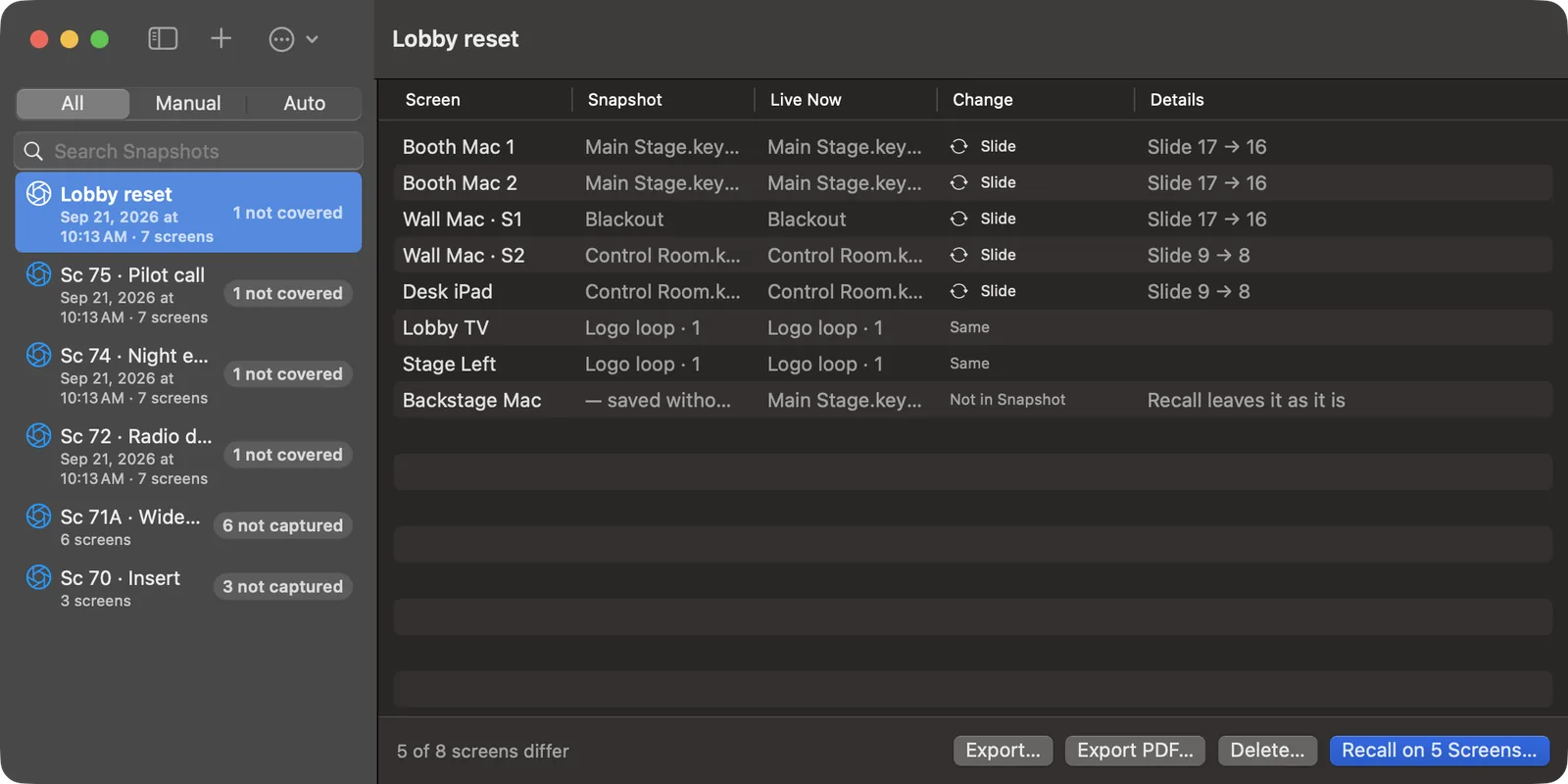
A Snapshot saves every screen's content, slide, overlays, and picture settings. Recall it for the next setup, or for a reshoot weeks later, with Undo.
Everything else
Send
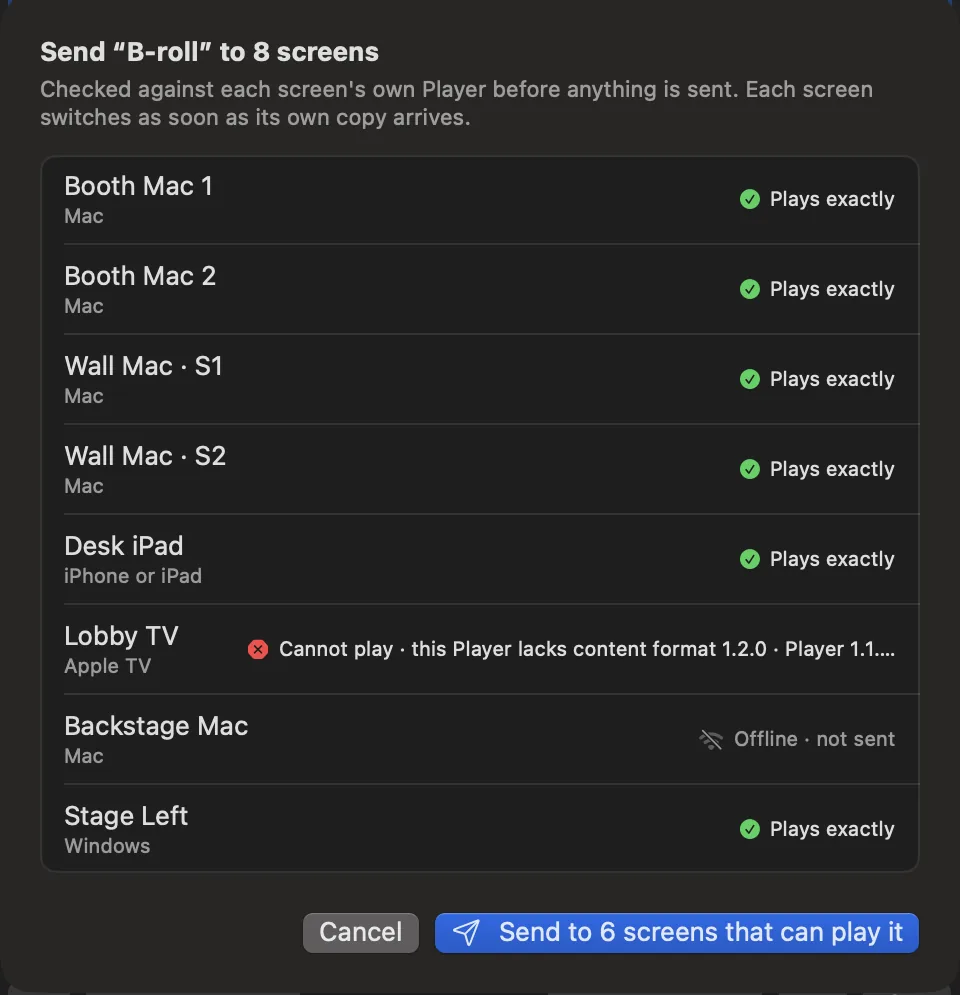
Scenic checks the file against each screen's Player. A screen that cannot play it is named with the reason. The rest get their copy.
The Grid
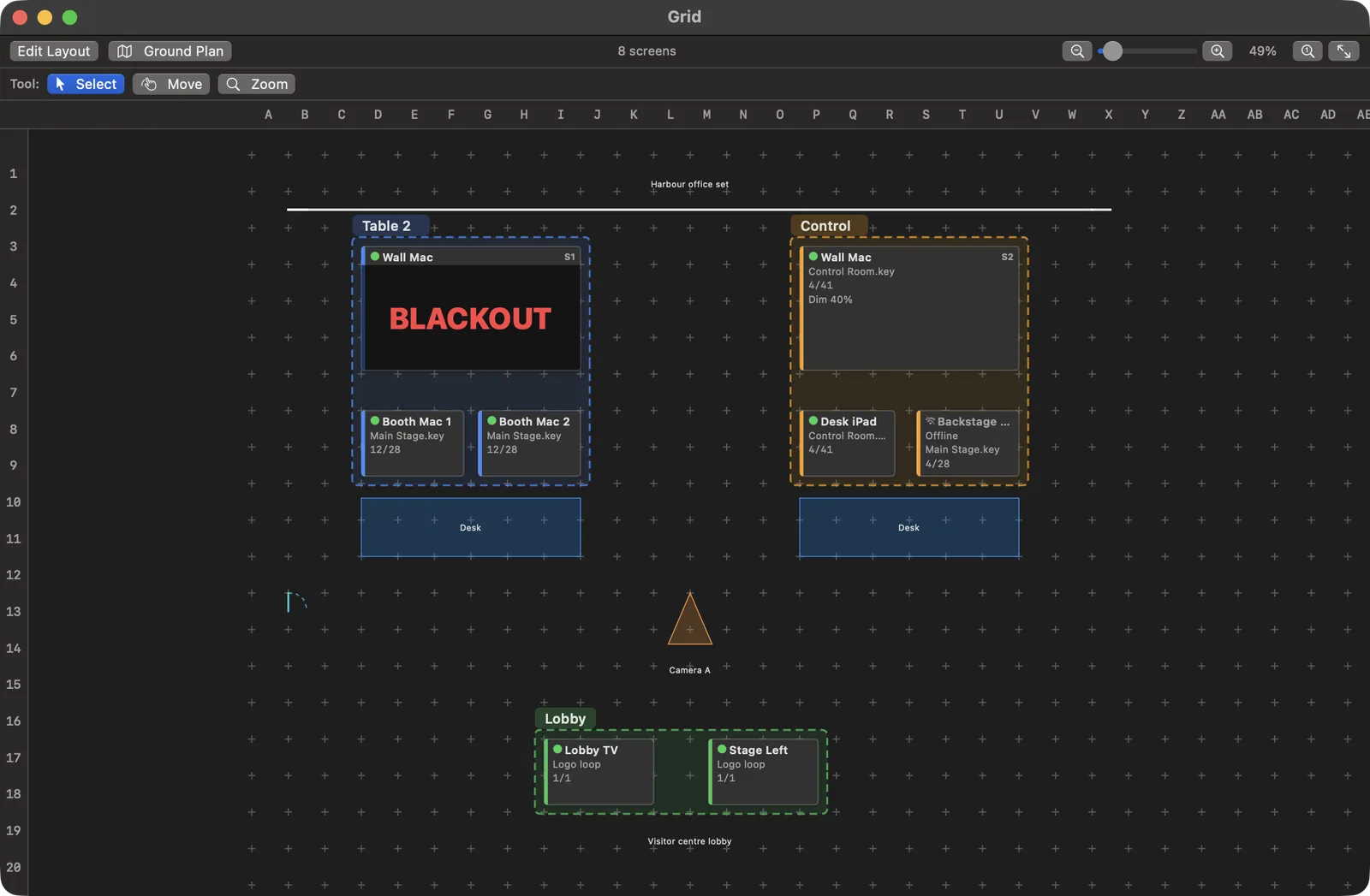
Place each screen on your set's floor plan and see what it is playing where it stands. Pick screens on the plan or in the list; the two stay in step.
Network
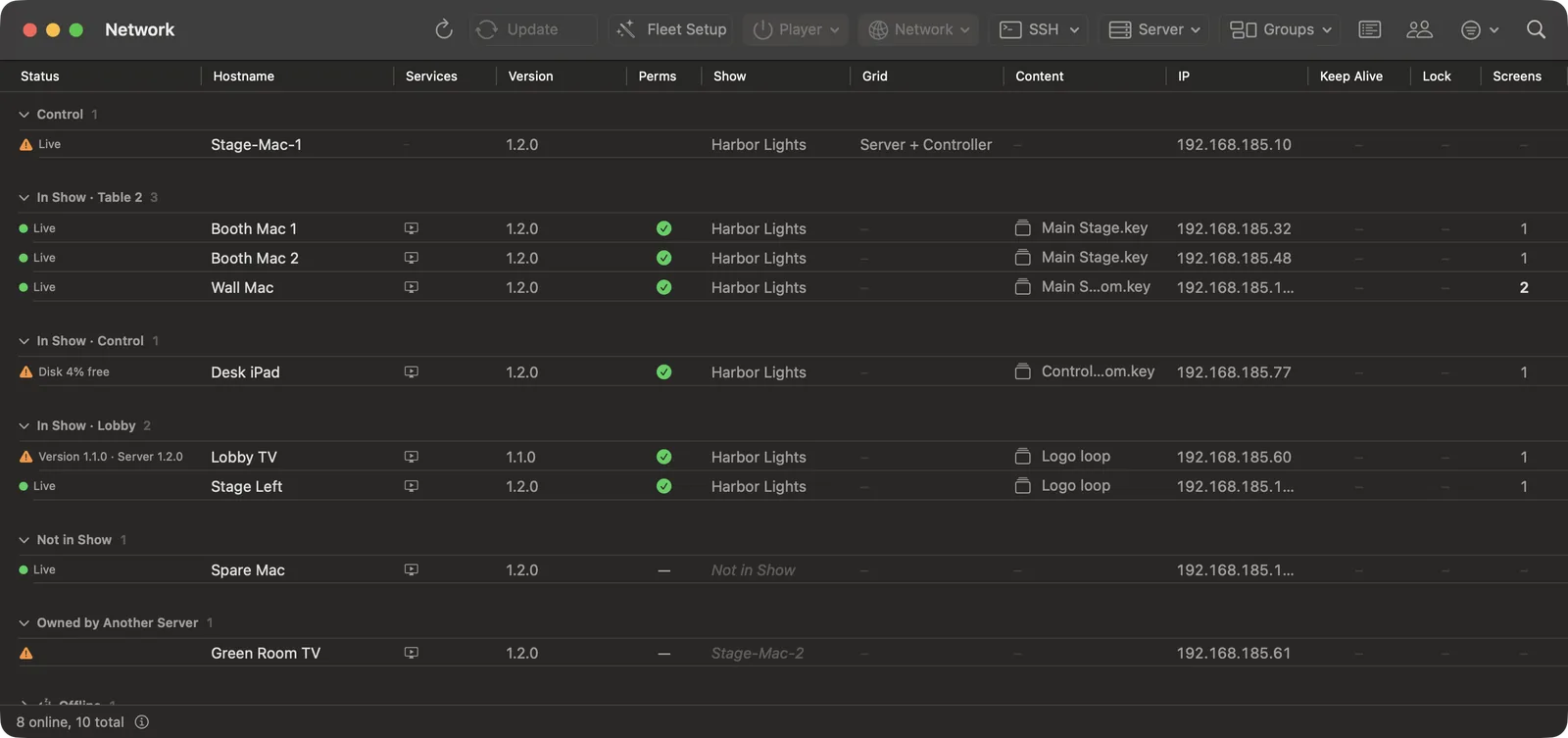
Find the machines behind the screens and add them to the Show. Install, update, and restart Scenic Player, and pull its logs.
Each Player takes cues from one Server. Another rig on the same network cannot cue your screens unless you deliberately take them over.
Timecode and OSC
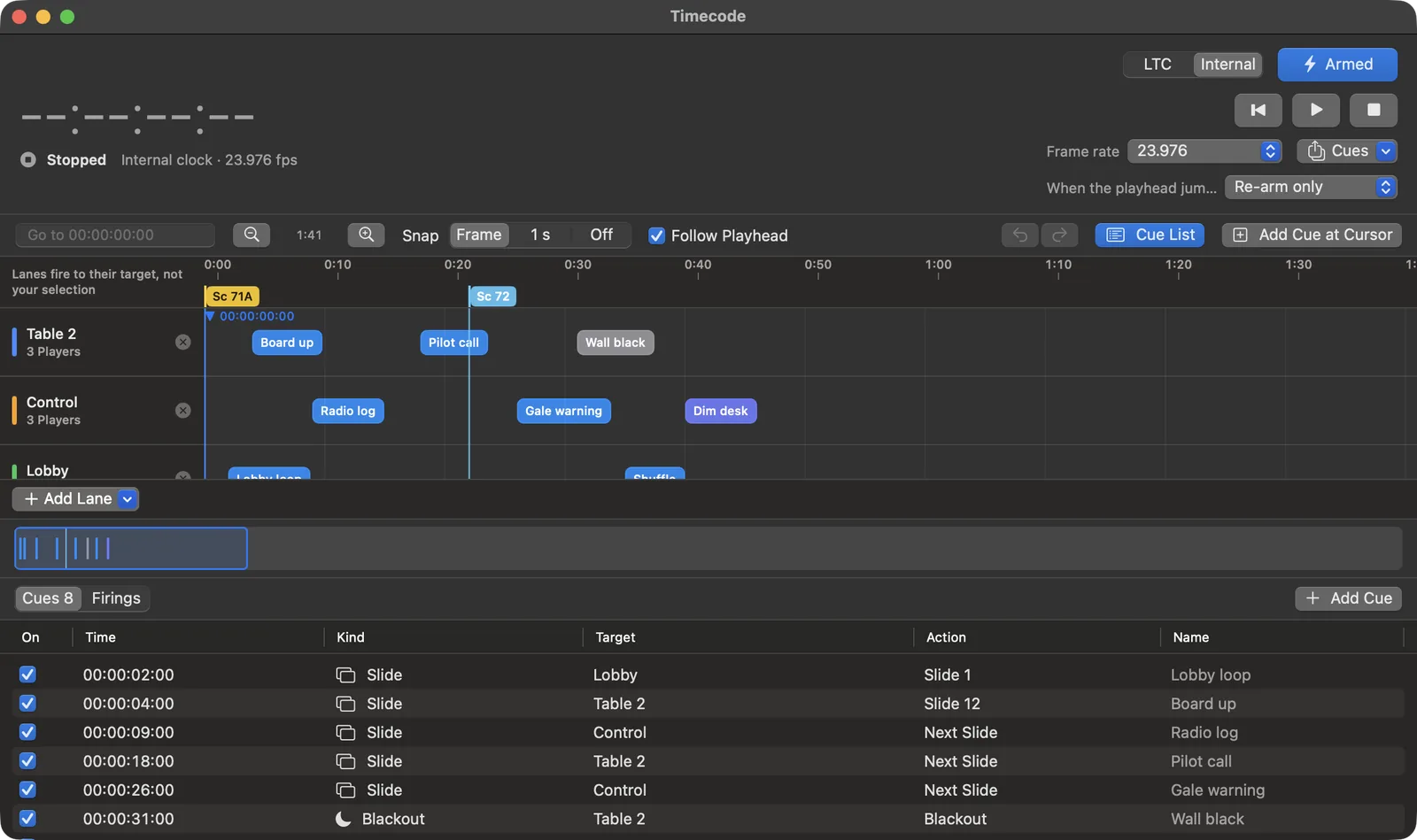
Follow the timecode camera and sound are already running, and fire each cue at its mark. A timecode cue goes to its own screens, whatever you have selected.
A lighting or sound desk can fire cues over OSC, and Stream Deck buttons work through Companion.
Turn on a Player and it appears in the Controller. Add it to this production's Show, group it, and place it on the floor plan.
Send content to one screen, a group, or the whole set. Then cue, black out, or dim them together, and match them to camera.
Save the whole screen setup as a Snapshot, and bring it back for the next setup or a reshoot weeks later.

Makes the desktops and decks the camera sees.
Cues every screen at once and puts each setup back.

Plays on each screen and reports what it is showing.
Every screenshot here is the current Scenic build running a made-up production. The screens, decks, and desktops are invented for the demo.
Scenic · coming
Put it on any screen. Know it played.
Scenic Player runs on the computer, tablet, or TV box behind each screen in the shot. It plays the file itself, changes on cue with the rest of the set, and reports what it is putting on screen.
What the Player does
If a screen can't reproduce an effect in a deck, you are told before you send, not when the screen is already in shot.
Scenic · coming
Forty screens. No two desktops alike.
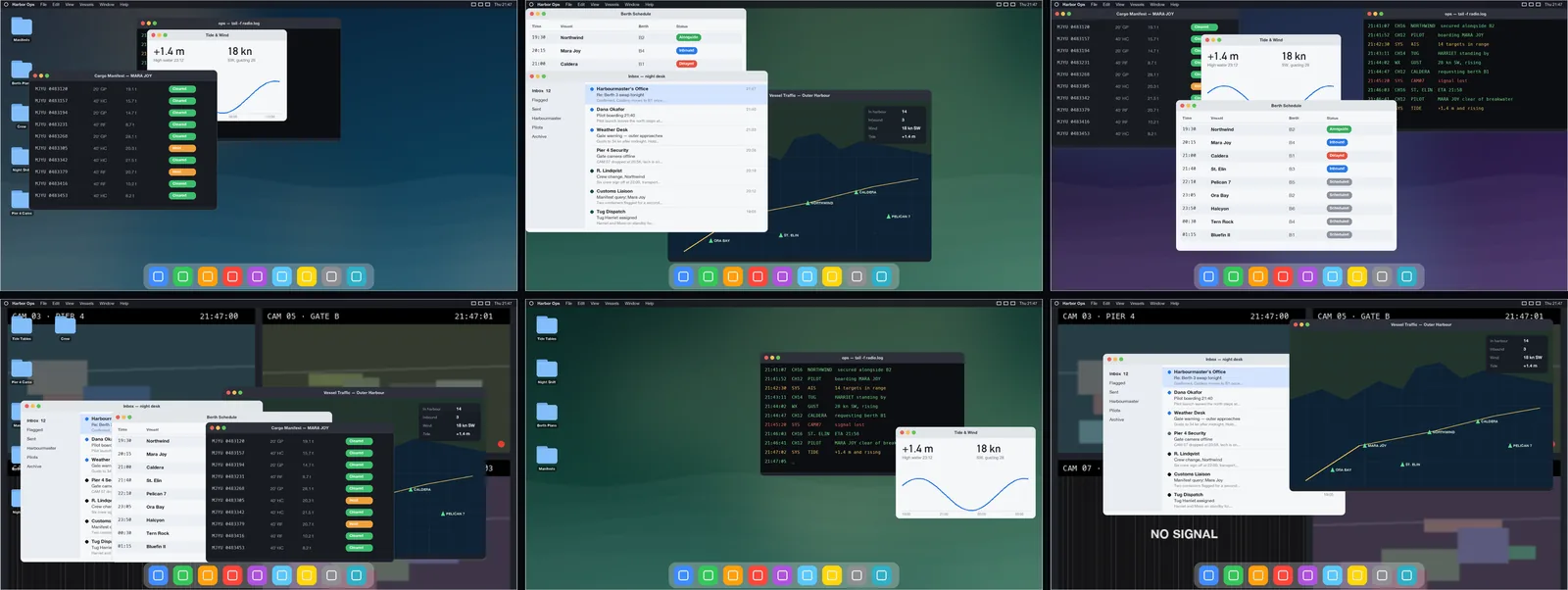
Forty background monitors showing the same desktop give the set away. Decorator builds the desktops and decks the camera sees, and makes every one different.
New from Assets
Wallpapers, bars, windows, and icons go in. Decorator sorts them by type and builds desktops that don't repeat.
Shuffle
Choose which layers can change and by how much. Shuffle makes the versions, drops near-duplicates, and lets you preview before you keep any.
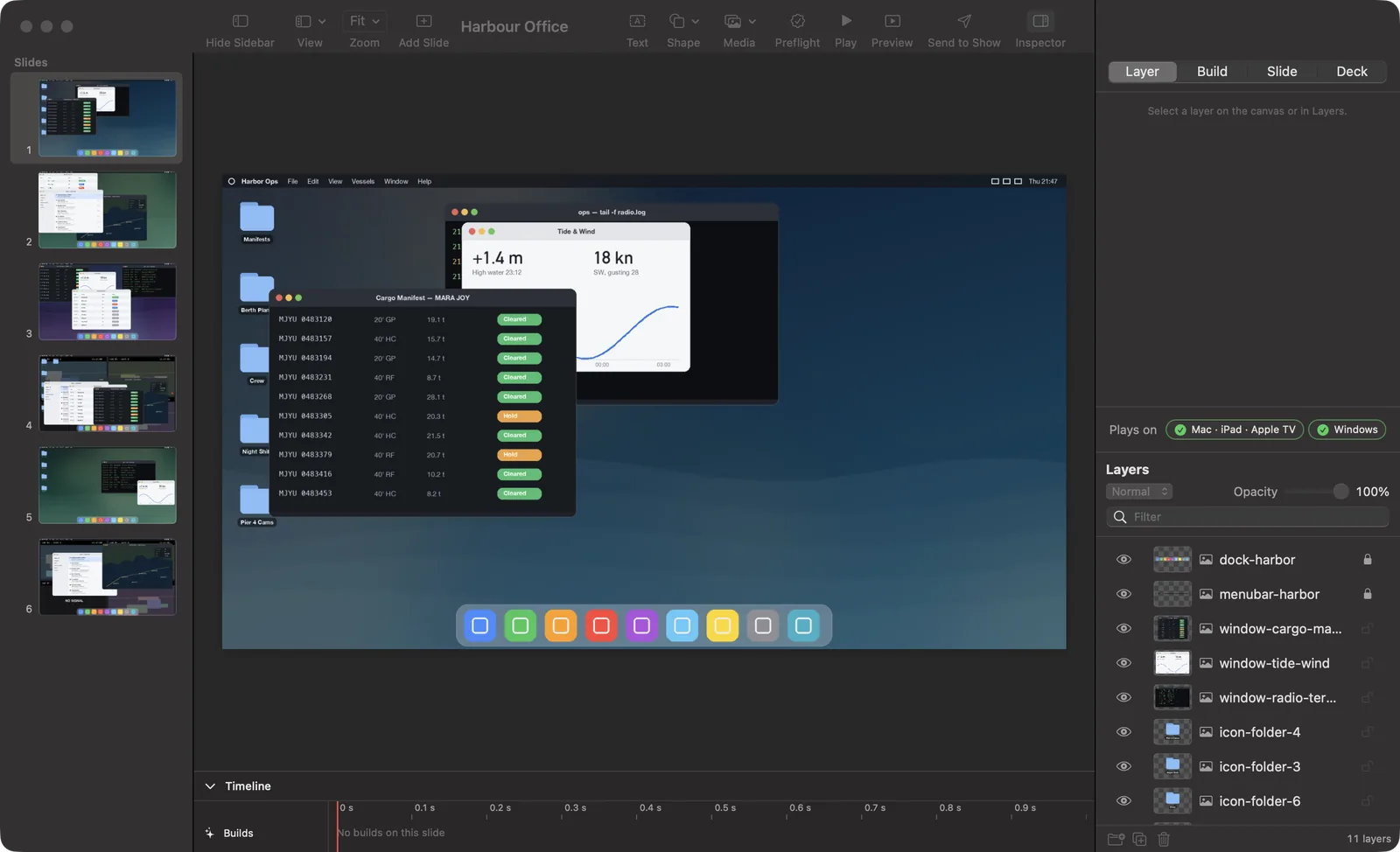
The editor
A Keynote-style skeleton with Photoshop-style layers: slides down the side, the canvas in the middle, and the layer stack always in view.
For productions
Need desktop authoring or a custom interaction for your production? Tell us what the scene needs.
Talk to us about a production